Double Your AI Agent Usage
Introduction
When using agent tools like Codex or Claude Code, you might suddenly hit a "quota exhausted" message, halting your work. Most users simply wait it out, but there's actually a way to control the reset timing of your quota yourself.
How the 5-Hour Rolling Window Works
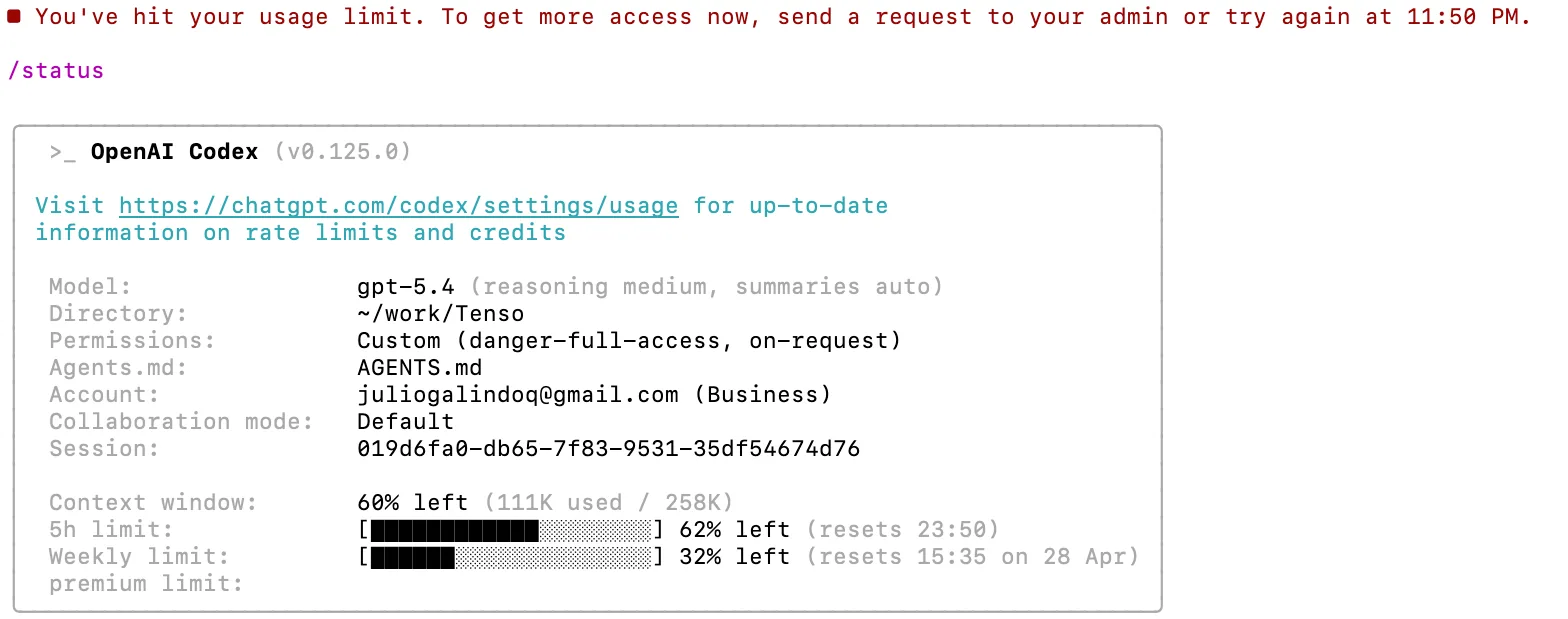
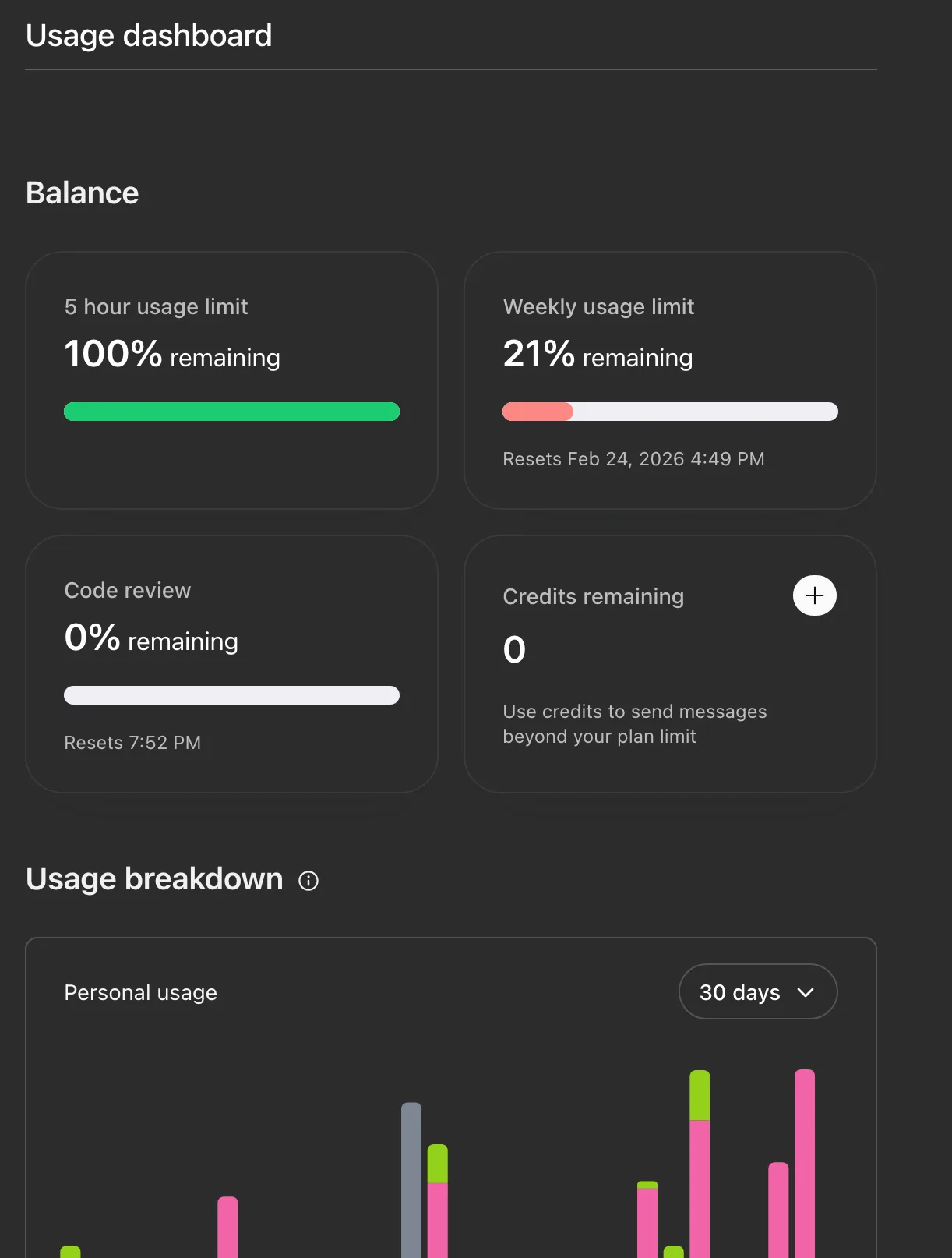
In both Codex and Claude Code, quota limits aren't reset daily or hourly. Instead, they are managed by a 5-hour rolling window. This means that once you send your first message, a 5-hour countdown begins, and you can use a certain amount of token quota within that window. If you use it all up, you have to wait until the window ends.
There's a crucial detail: when the 5-hour window expires, the system doesn't automatically start the next one. The next message you send triggers the start of a new 5-hour window.
The Technique to Double Your Quota
Suppose you use the agent daily from 2 PM to 6 PM. If you start at 2 PM, the window runs from 2 PM to 7 PM. If you use it up quickly by 3:30 PM, you'd have to wait 3.5 hours until 7 PM.
However, if you send one message to Codex at 11 AM, the window starts at 11 AM and resets at 4 PM. Then, when you begin work at 2 PM, you use the quota until 4 PM when it refreshes, and you can continue with a new window from 4 PM onwards. Essentially, during your core work hours from 2 PM to 6 PM, you get to enjoy two 5-hour windows, effectively doubling your quota.
The trick is simple: start the window early so that the reset time falls right in the middle of your work session.
How to Set Up Automation
Manually sending a message each time can be tedious, so it's better to automate it.
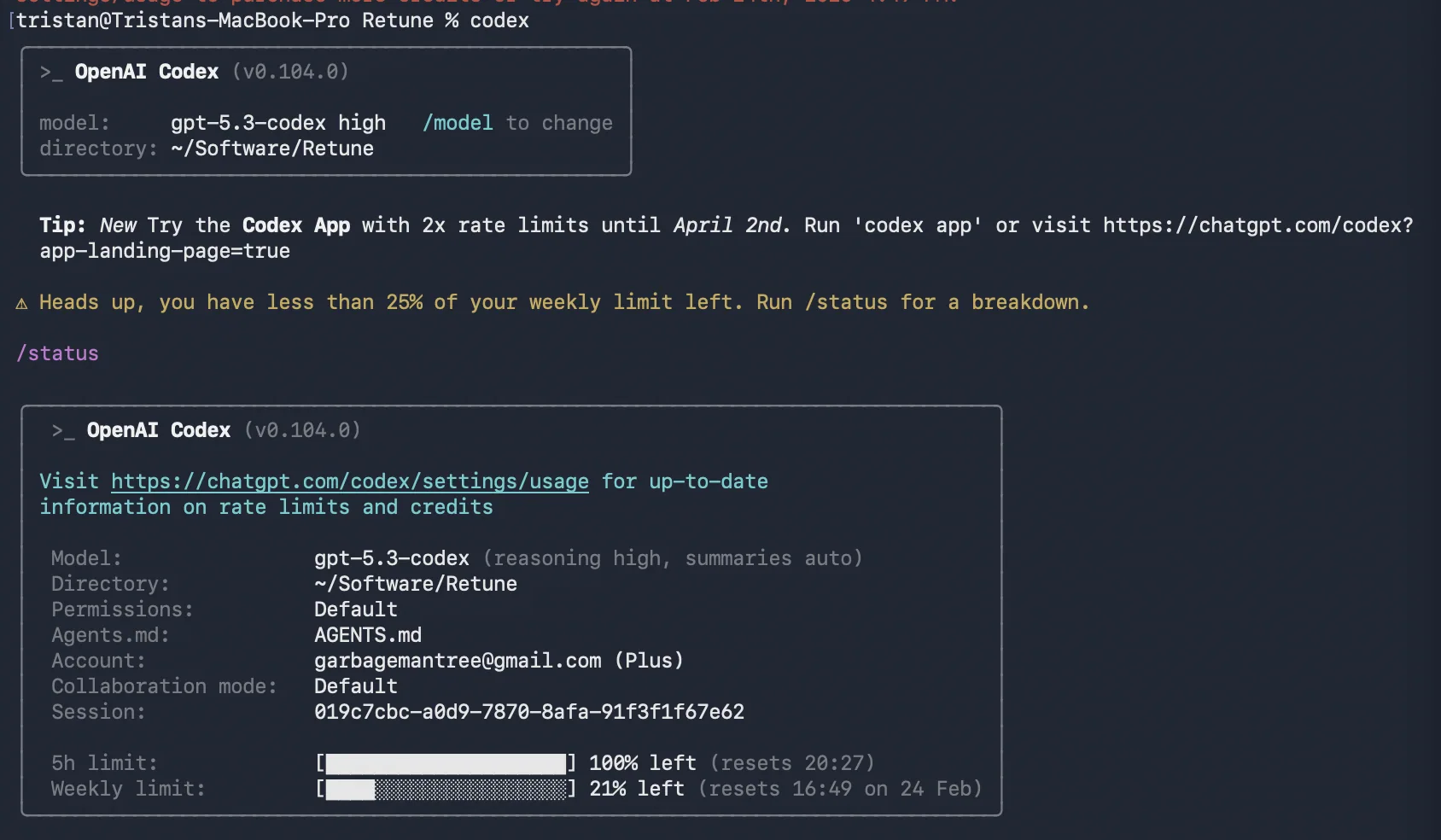
For Codex: Open "Automation" from the left menu and create a new rule. Set the trigger to "Daily" and specify a time 3 hours before your main work starts. The action can be as simple as sending a short message like "test".
For Claude Code (CLI): On Mac, you can set up a cron job:
0 11 * * * claude --print "test"
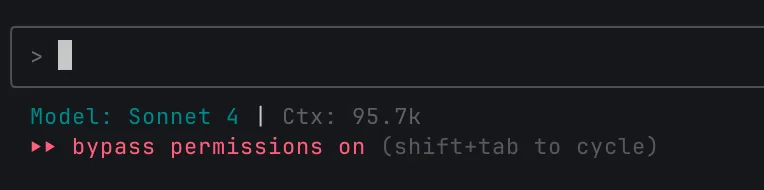
On Windows, use Task Scheduler for similar settings. In Claude Code, you can use the /schedule command or Routines feature for more advanced automation.
Important Notes
The 5-hour window is just one layer of limits; there's also a weekly quota cap. So, don't get too greedy—just aligning the reset time with your work rhythm is enough. Knowing this mechanism can significantly change your experience with agent tools.
Editor's Take
When I learned about the '5-hour rolling window,' it was eye-opening. Most users think 'out of quota = wait,' but you can actually control the timing. However, if this knowledge spreads, platforms may change their approach. Use it while you can.
Loading...